Free Order Management Excel Templates
Download free order management templates and learn when growing teams should move from spreadsheets to connected order workflows.
If you're running a small business, chances are you're still managing orders in a spreadsheet. And honestly, there's nothing wrong with that — Excel and Google Sheets are familiar, flexible, and free. The trouble starts when order volume grows, mistakes pile up, and you spend more time maintaining the spreadsheet than running the business.
This guide covers what a good order management spreadsheet should include, where to download free templates, and how to know when it's time to move beyond Excel.
What Your Order Management Spreadsheet Should Include
A well-structured order tracking spreadsheet needs these columns at minimum:
Order date — when the order was placed
Customer name — who placed the order
Product name / SKU — what was ordered
Quantity and unit price — how many and at what price
Order total — line item subtotals and grand total
Ship-by date — when the order needs to go out
Shipping address — where it's going
Customer contact — phone or email for follow-up
Carrier / tracking number — shipping details once fulfilled
Order status — pending, processing, shipped, delivered, returned
If you deal with B2B customers, you'll also want columns for account name, payment terms (Net 30, Net 60), and invoice number.
Free Order Management Templates to Download
Google Sheets
Google Sheets has built-in table templates under the "Tables" feature. Look for inventory or order tracking templates — they're free, cloud-based, and support real-time collaboration. The easiest starting point if your team already uses Google Workspace.
GooDocs
GooDocs offers free and paid spreadsheet templates compatible with both Google Sheets and Microsoft Excel. You can find order trackers, invoice logs, and customer order history templates. Requires a free account to download.
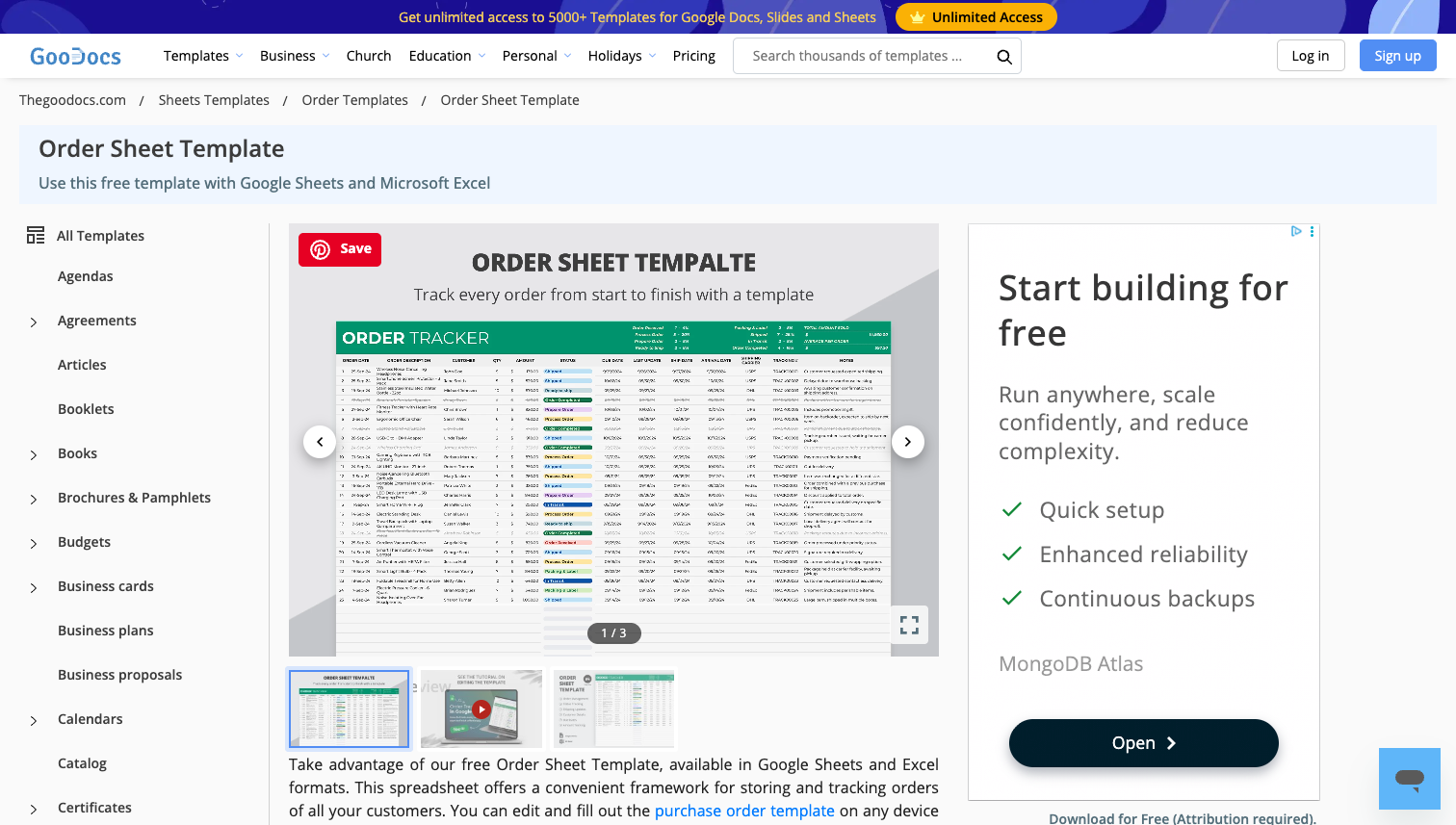
Recommended: Free Order Tracker Template
Template.net
Template.net provides a mix of free and premium templates for order management, invoice tracking, and purchase orders. Templates are available in Excel, Google Sheets, and PDF formats.
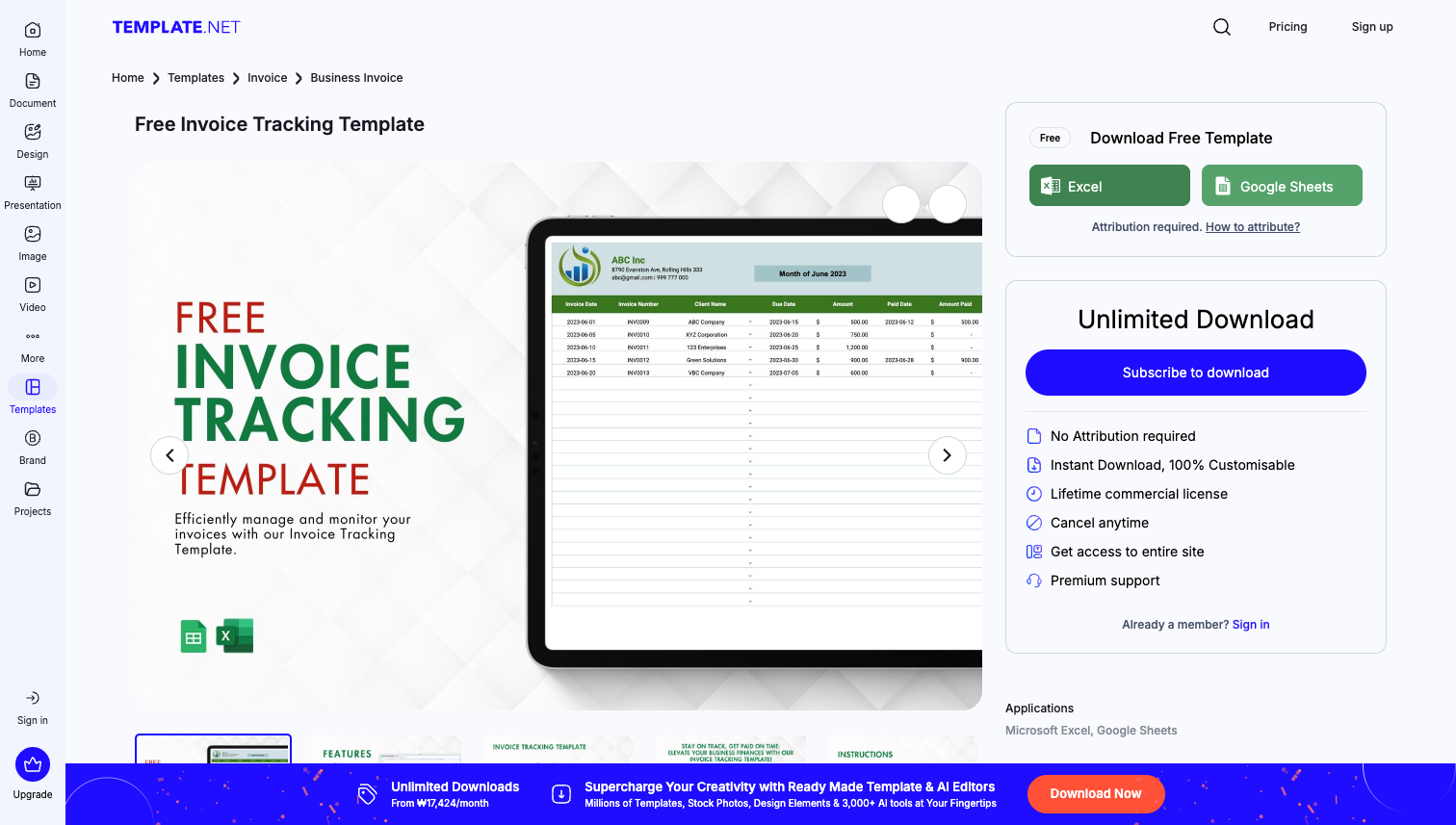
Recommended: Free Invoice Tracking Template
These templates work well for getting started. But as your business grows, you'll likely run into the same set of problems.
When Excel Stops Working for Order Management
Excel is great until it isn't. Here are the most common breaking points:
1. Orders and inventory don't stay in sync
A customer places an order. Someone updates the order sheet but forgets to update the inventory sheet. Another order comes in for the same product — and now you've oversold. When orders and inventory live in separate spreadsheets, someone has to manually keep them in sync. That works at 5 orders a day. At 50, mistakes are inevitable.
2. Month-end reconciliation becomes a nightmare
If you manage orders in one spreadsheet, inventory in another, and invoices in a third, reconciling them at month-end means hours of cross-referencing. Discrepancies are hard to trace, returns and adjustments get missed, and the process takes days instead of minutes.
3. Multiple customers, multiple pricing — one spreadsheet
This is especially painful for B2B businesses. When each customer has different pricing, payment terms, and credit limits, a single spreadsheet can't handle it cleanly. You end up with dozens of tabs, conflicting versions, and no single source of truth.
4. No collaboration without conflict
Even with Google Sheets' real-time editing, multiple people working on the same order data leads to overwrites, accidental deletions, and version confusion. There's no role-based access — everyone can edit everything.
When to Move Beyond Spreadsheets
You don't need to abandon spreadsheets the moment they get inconvenient. But consider moving to a dedicated system when:
You're processing more than 20-30 orders per day consistently
Inventory errors (overselling, stockouts) happen regularly
You need multiple people managing orders simultaneously
Month-end reconciliation takes more than a few hours
You manage B2B accounts with different pricing and payment terms
The right tool depends on your scale and complexity. For a full overview of what's available, see What Is an Order Management System (OMS)? or our comparison of the Best Order Management Systems for Small Businesses (2026).
If you want something that feels as simple as a spreadsheet but connects orders, inventory, and fulfillment in one place, StackCube's order management system is a good starting point — no development required.
Related reading: