How to Choose ERP for a Small Business
Learn how small businesses can avoid ERP implementation mistakes by checking process fit, rollout scope, data readiness, and phased adoption.

ERP implementations fail more often than most vendors will tell you. For small businesses, the stakes are even higher — a failed deployment doesn't just waste money, it can disrupt operations for months. This guide covers the most common ERP implementation failures, what causes them, and how to avoid them when choosing a system for your business.
Not sure what ERP actually is? Start with our beginner's guide to ERP for small businesses.
4 Ways ERP Implementations Fail
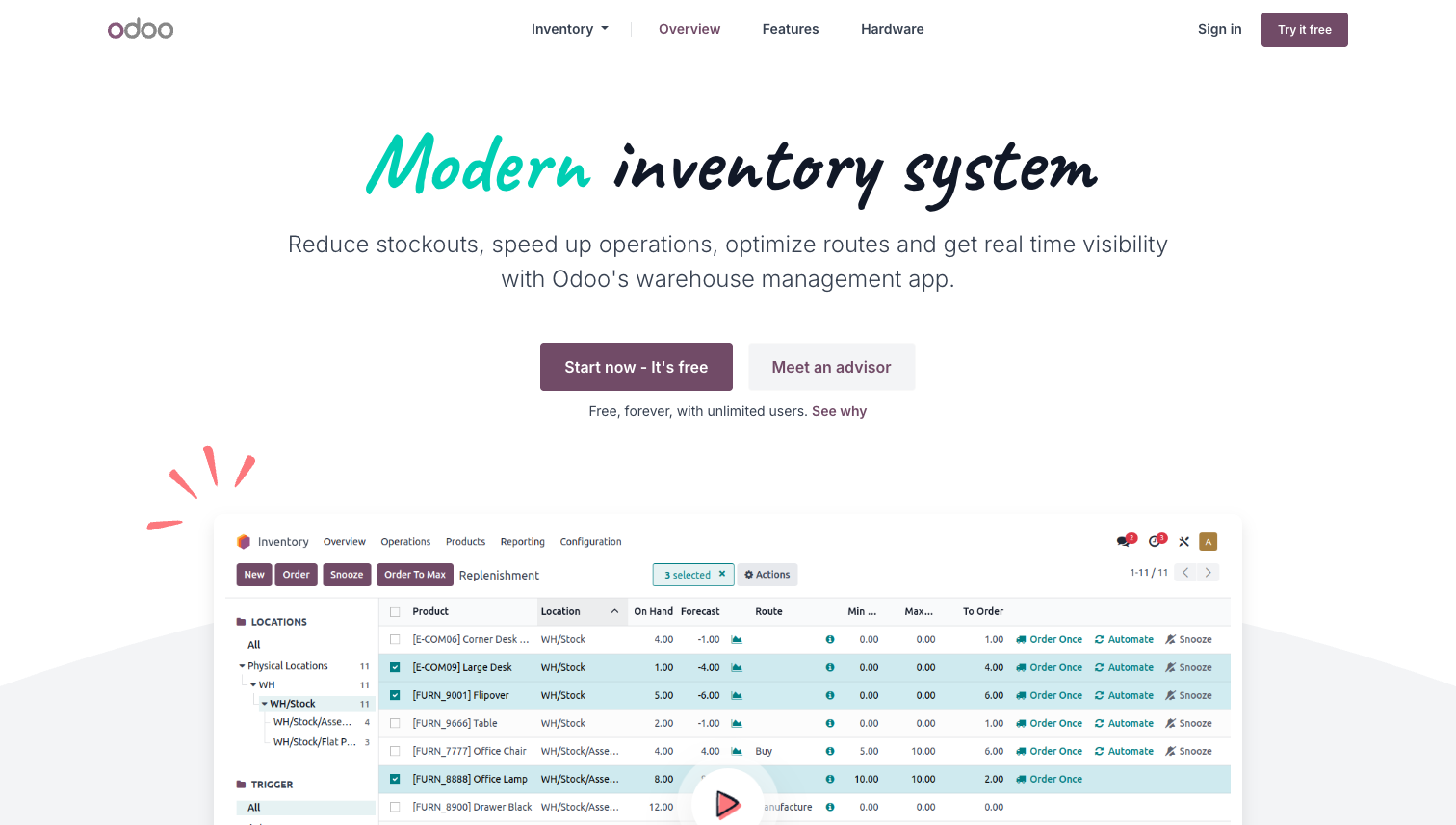
1. Paying for features you'll never use
Enterprise ERP systems come packed with modules designed for large corporations — advanced manufacturing planning, multi-entity consolidation, complex compliance workflows. When a small business buys one of these systems, they end up paying for features they'll never touch, while struggling with the complexity of features they actually need.
How to avoid it:
Start with core modules only (inventory, orders, basic accounting) and expand as needed
Calculate ROI before committing — what will this system actually save you?
Choose platforms that offer modular pricing so you're not locked into an all-or-nothing package
2. Data migration and integration failure
Getting your existing data into a new ERP — and keeping it in sync with other tools — is where many implementations break down. The system works fine in demo, but falls apart when it meets your real data.
A well-known example: Lidl invested approximately €500 million over seven years trying to implement an SAP-based ERP system. The system couldn't handle Lidl's discount pricing structure, and the company ultimately abandoned the project entirely and reverted to its legacy system.
How to avoid it:
Test data compatibility before you commit — run your actual data through the system during evaluation
Migrate in phases, not all at once. Start with one department or product line
Verify that the system has API access or native integrations with your existing tools (accounting software, e-commerce platform, CRM)
3. The system doesn't match how your team actually works
An ERP that forces your team to change every workflow overnight will face resistance — and resistance kills adoption.
Boeing experienced this firsthand. The company attempted to implement an ERP system without adequately adapting it to existing workflows. Employee productivity dropped significantly, and critical project timelines were delayed.
How to avoid it:
Map your current workflows before selecting a system — then evaluate whether each ERP can accommodate them
Involve the people who'll actually use the system in the evaluation process
Introduce changes gradually, not all at once
4. Insufficient training and change management
Even the best ERP is useless if your team doesn't know how to use it — or doesn't want to. You might also find FIFO vs LIFO: How to Choose the Right Invento… helpful.
Hershey's rushed the deployment of an integrated SAP, Siebel, and Manugistics system in 1999 without adequate testing or training. The result: order processing failures that caused a 19% drop in quarterly profits.
How to avoid it:
Budget time and money for training — it's not optional
Create role-specific training, not generic system walkthroughs
Collect feedback in the first 90 days and adjust the system based on what's actually causing friction
What to Look for in a Small Business ERP
Once you understand what goes wrong, the selection criteria become clearer:
1. Core functionality without bloat
Look for systems that focus on what small businesses actually need: inventory management, order processing, basic financial tracking, and reporting. Avoid systems that require you to buy modules you won't use for years.
2. Integration with your existing tools
Your ERP should connect to your e-commerce platform, accounting software, and any other systems you already rely on. Check for native integrations or API access — if neither exists, expect manual data entry and sync errors.
3. Customization without a development team
Every business has unique workflows. The right ERP should let you adjust fields, workflows, and reports without hiring developers. Configurable workflow customization is increasingly important for small teams.
4. Realistic implementation timeline
Enterprise ERP deployments take 6-18 months. For a small business, that's not viable. Look for systems you can get running in days or weeks, not months — and that let you start with one area (like inventory) before expanding.
For a side-by-side comparison of specific ERP tools, see our guide: Best ERP Systems for Small Businesses (2026).
A Phased Approach to ERP Adoption
The single biggest predictor of ERP success for small businesses is starting small. Here's a practical framework:
Phase 1: Identify your biggest pain point
Is it inventory accuracy? Order processing errors? Manual reconciliation? Pick the one area where a system will have the most immediate impact.
Phase 2: Deploy a focused solution
Implement the ERP for that one area first. Get your team comfortable with it. Work out the bugs. This is where lightweight configurable tools have an advantage — you can be operational in days instead of months.
Phase 3: Expand based on results
Once the first module is stable and delivering value, add the next area. Inventory → orders → accounting → reporting. Each phase builds on the last.
This approach costs less upfront, reduces risk, and gives you working results at every stage — instead of a massive go-live that may or may not work. If your first priority is getting orders and inventory under control before tackling a broader ERP, StackCube lets small distributors start with exactly those workflows.
If you want to start with inventory and order management before committing to a full ERP, Assess your order, inventory, and settlement workflow → lets you get started without development — and scale from there.
Assess your order, inventory, and settlement workflow →
Related reading: